
Download Settings
Configure queue recovery, post-processing, SponsorBlock, live stream behavior, retries, bandwidth limits, and Aria2 defaults before you start downloading.
What this settings page controls
Settings > Download is where you set the default behavior for downloads before you even start queuing links. These controls affect how Youwee handles queue recovery, post-processing, live streams, retries, bandwidth limits, SponsorBlock, and external downloading tools.
Queue recovery and post-processing
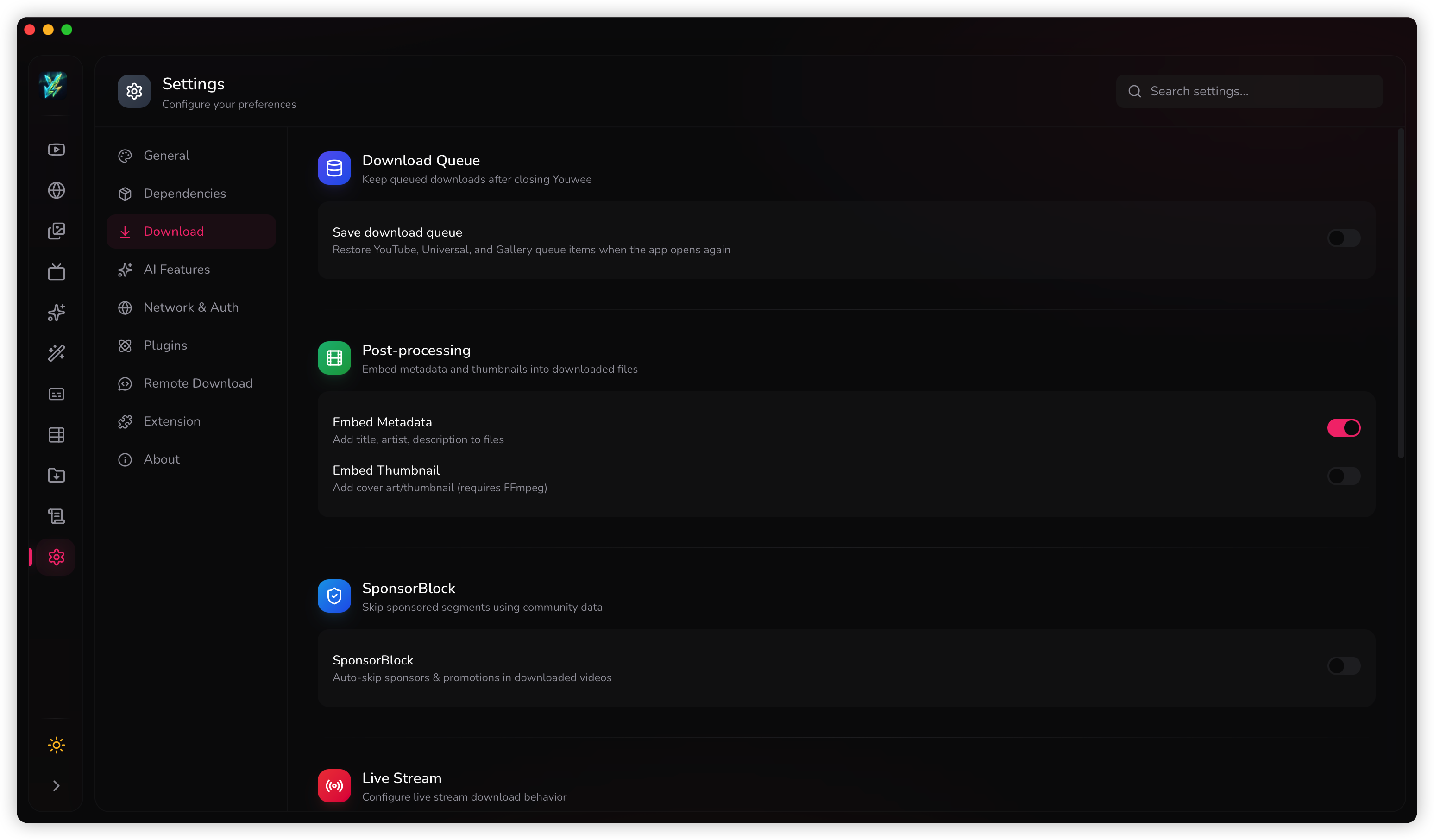
If you often queue work and come back later, turn on queue persistence so unfinished items survive app restarts. This is especially useful for long playlists, overnight batches, or when you regularly pause work in the middle of a session.
The same page also controls post-processing defaults such as embedding metadata and thumbnails into downloaded files. These are useful when you want cleaner files for music players, media libraries, or archiving.
SponsorBlock and live stream defaults
SponsorBlock is the setting to review if you want Youwee to remove, mark, or selectively handle sponsor segments, intros, outros, and similar sections on supported videos.
Live stream settings matter when you regularly capture broadcasts. If you want live content from the beginning instead of only from the current point onward, set that behavior here once so you do not have to keep repeating it in each download flow.
Speed limits and automatic retries
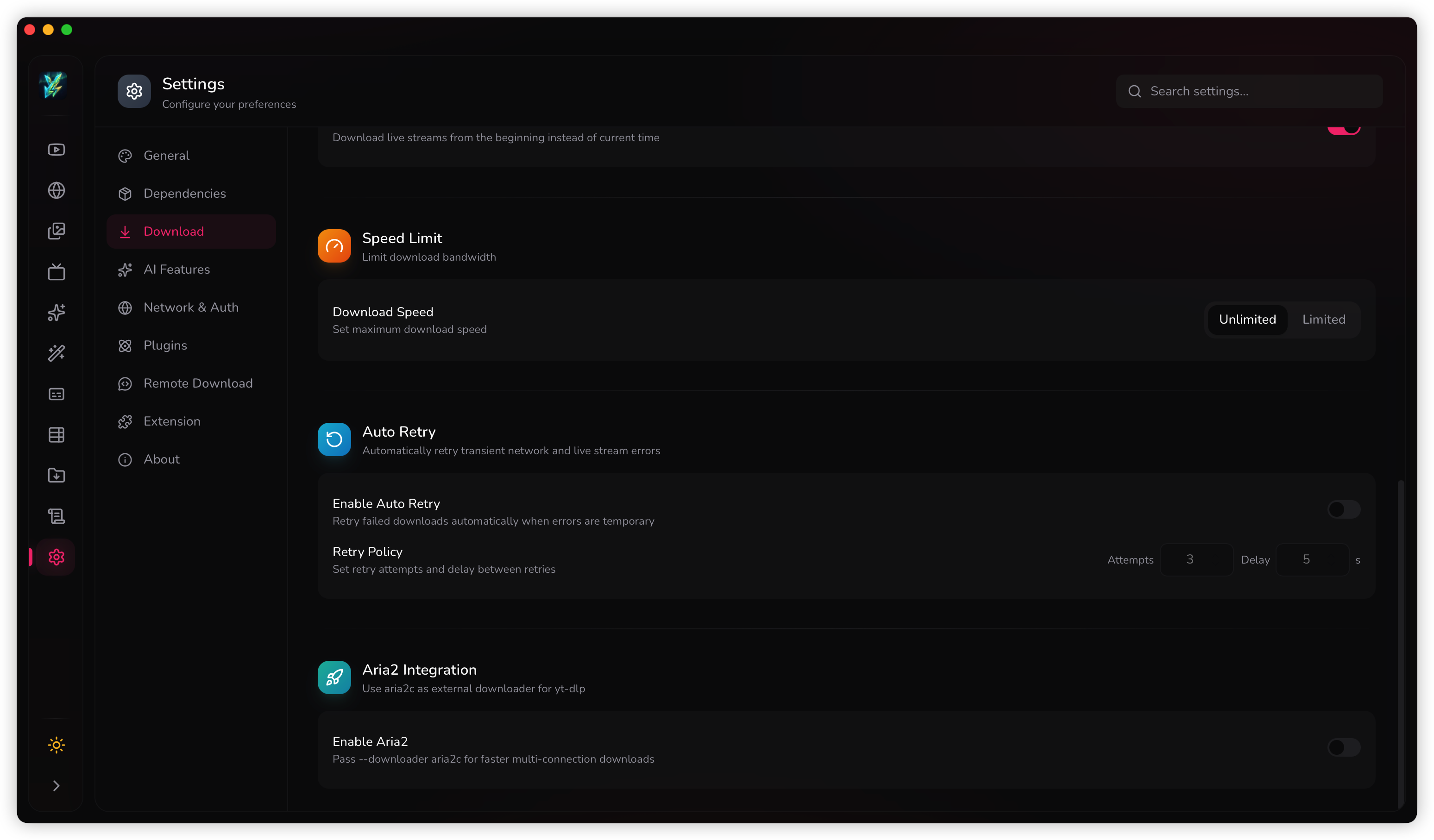
Use the speed limit controls if downloads are consuming too much bandwidth on your machine or network. This is helpful when you download in the background while doing other work or when you share the connection with other people.
Auto retry is the safer default for unstable connections. Set the retry count and delay so temporary failures can recover without forcing you to restart the job manually.
Good practical defaults
- Leave speed unlimited unless downloads are interfering with other work.
- Turn on auto retry if your network is inconsistent.
- Use a short retry delay for temporary site hiccups, not for permanent failures.
External downloader integration
If you use Aria2, this page also lets you turn it on and pass custom arguments. This is an advanced option, but it is worth configuring once if Aria2 is already part of how you handle larger download jobs.
Most users do not need to touch this immediately. It becomes relevant when you already know you want Aria2 behavior for your download environment.