
General Settings
Adjust appearance, language, history storage, and preview behavior so Youwee feels right for everyday use.
Appearance and language
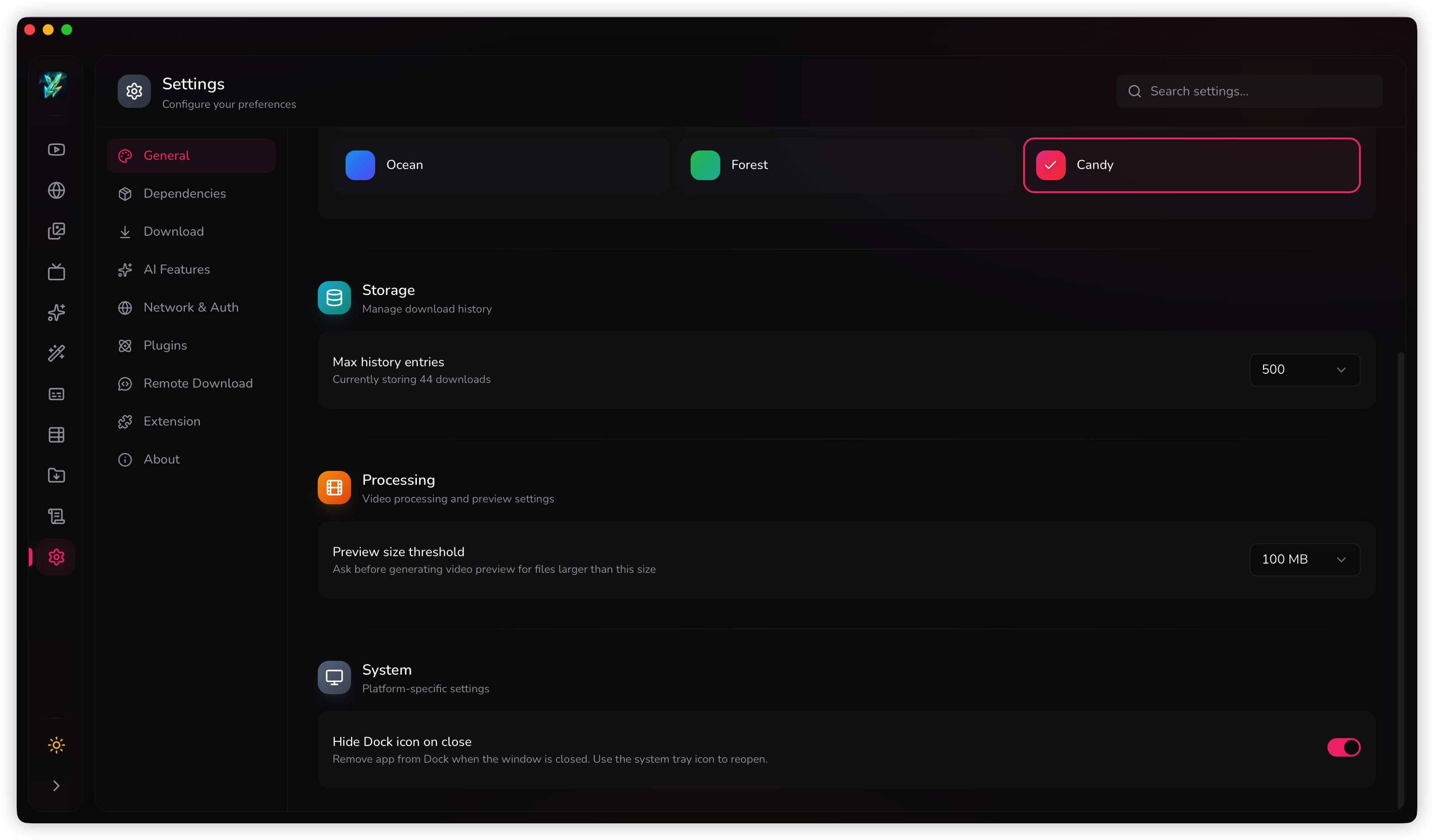
Settings > General is where you adjust how the app feels day to day. This includes light or dark mode, color theme, and interface language.
These are not one-time install settings. They are the controls you change when you want the app to feel more comfortable, easier to read, or better matched to your workflow.
History storage
The history setting controls how many past downloads Youwee keeps in the library and history system. Raise it if you treat Youwee like a long-term archive. Keep it lower if you want a lighter, more temporary history.
A practical way to choose it
- Use a smaller limit if you mostly do short-lived downloads.
- Use a larger limit if you rely on Library search and revisit old items often.
- Increase it when you want exports, summaries, and finished downloads to stay discoverable longer.
Preview behavior for large files
The processing preview threshold decides when Youwee should ask before generating a preview for larger video files. This matters because preview generation can be slow or expensive on heavy files.
Lower thresholds are safer if you want more control over large-file behavior. Higher thresholds are more convenient if you regularly work with medium-sized files and want fewer prompts.